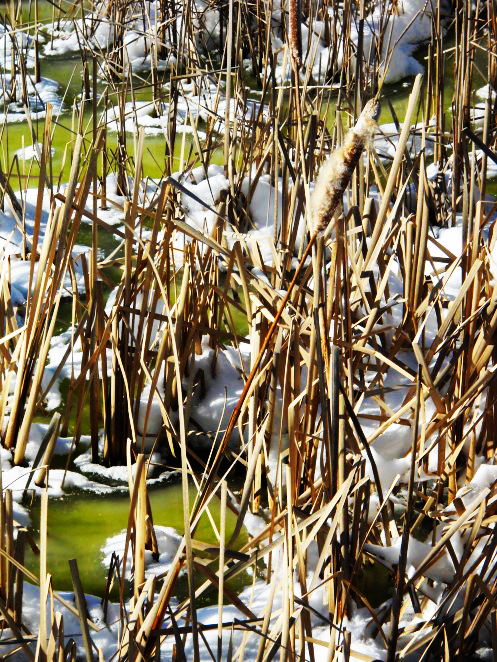
Tags: color, photography, photoshop, pond, snow, st. mary's college, willows
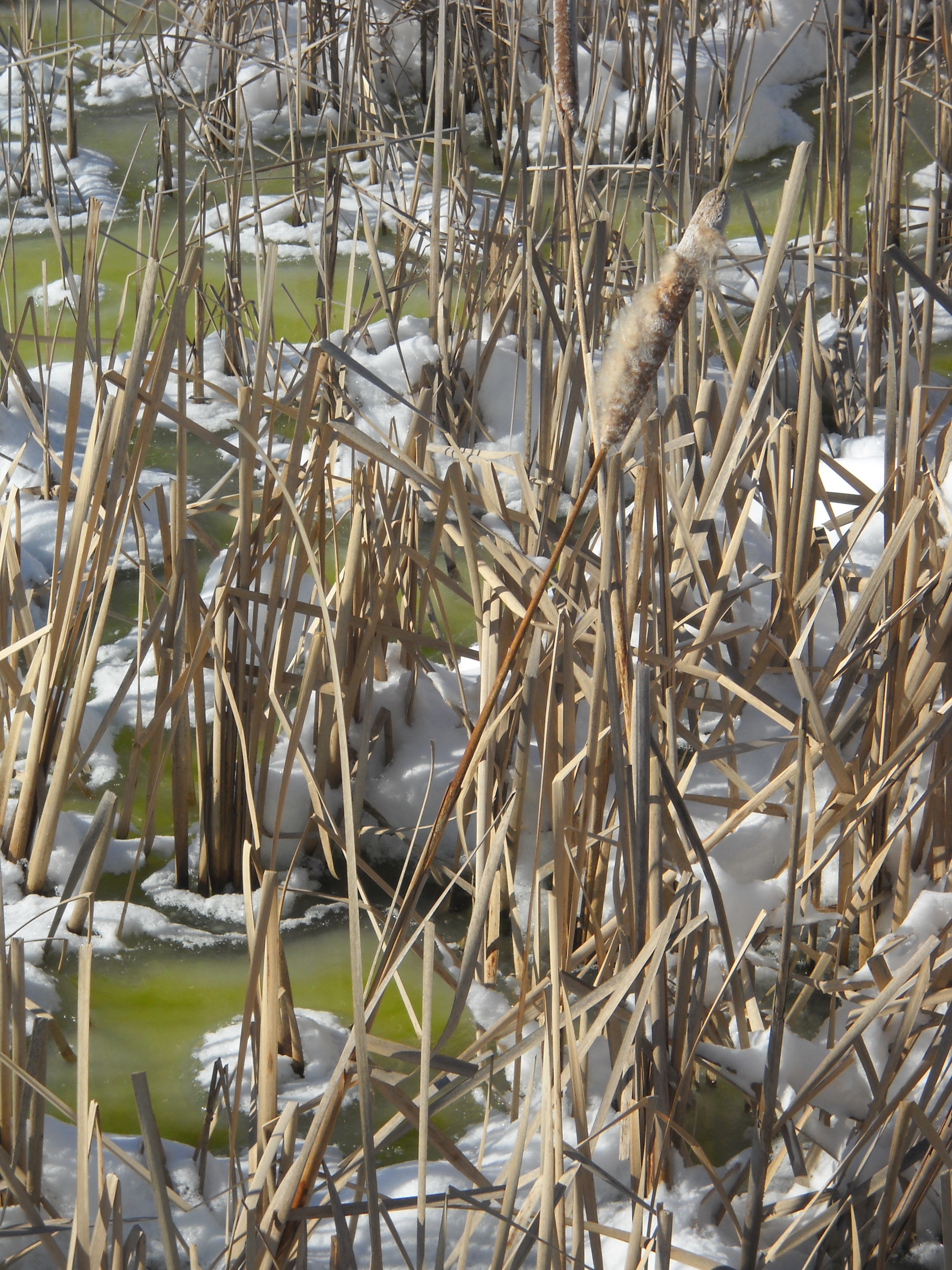
Yes, this picture is from the same pond where I took last week’s picture. But I couldn’t resist taking more pictures of it and I thought that this was a great picture for the word “dry”! It’s crazy to think of a pond as “dry,” the winter snow dried up all the reeds. I really like this because even though the reeds are in water, they’re still all dried up.
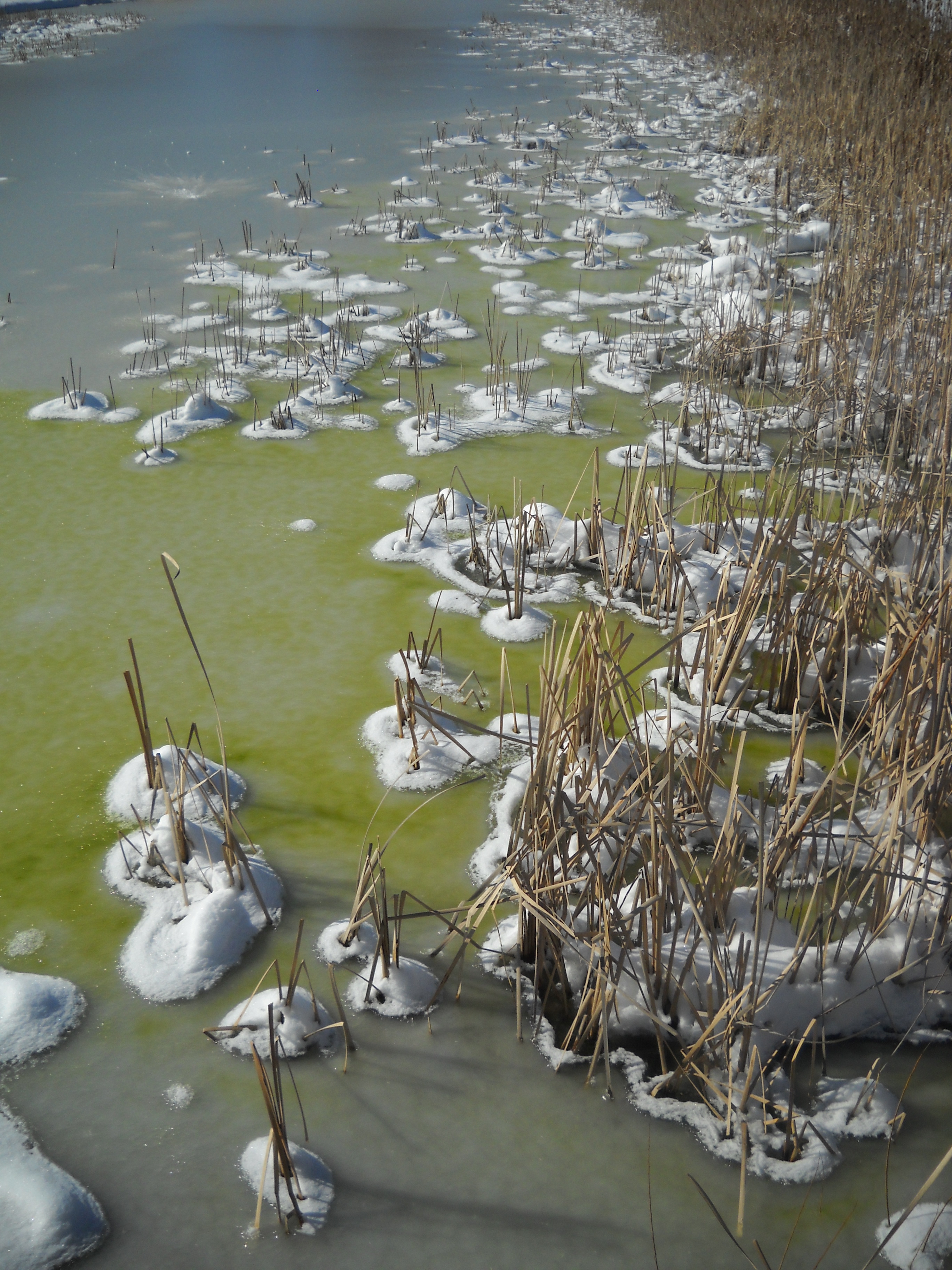
I LOVE taking pictures in the snow. It makes everything look really different and interesting. I took a “photo expedition” walk outside in the snow and I came across the frozen-over pond. The colors in the frozen water looked super-weird and the little piles of snow around all the dried up plants really interested me. It’s funny how changes in weather can make everything look so unfamiliar…
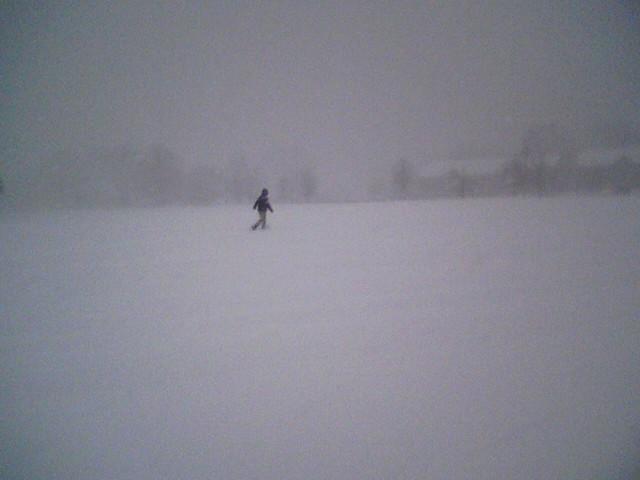
“Soft is” kind of a hard word to take a photo of. I tried taking pictures of a bunch of my scarves piled up together, my stuffed animals, my bed, but none of the photos really looked soft. Then while we were taking a walk during the blizzard, I took a picture of my boyfriend walking across a snow covered field to his townhouse. The falling snow blurred everything, especially the town houses in the background, and I thought this is it– soft.
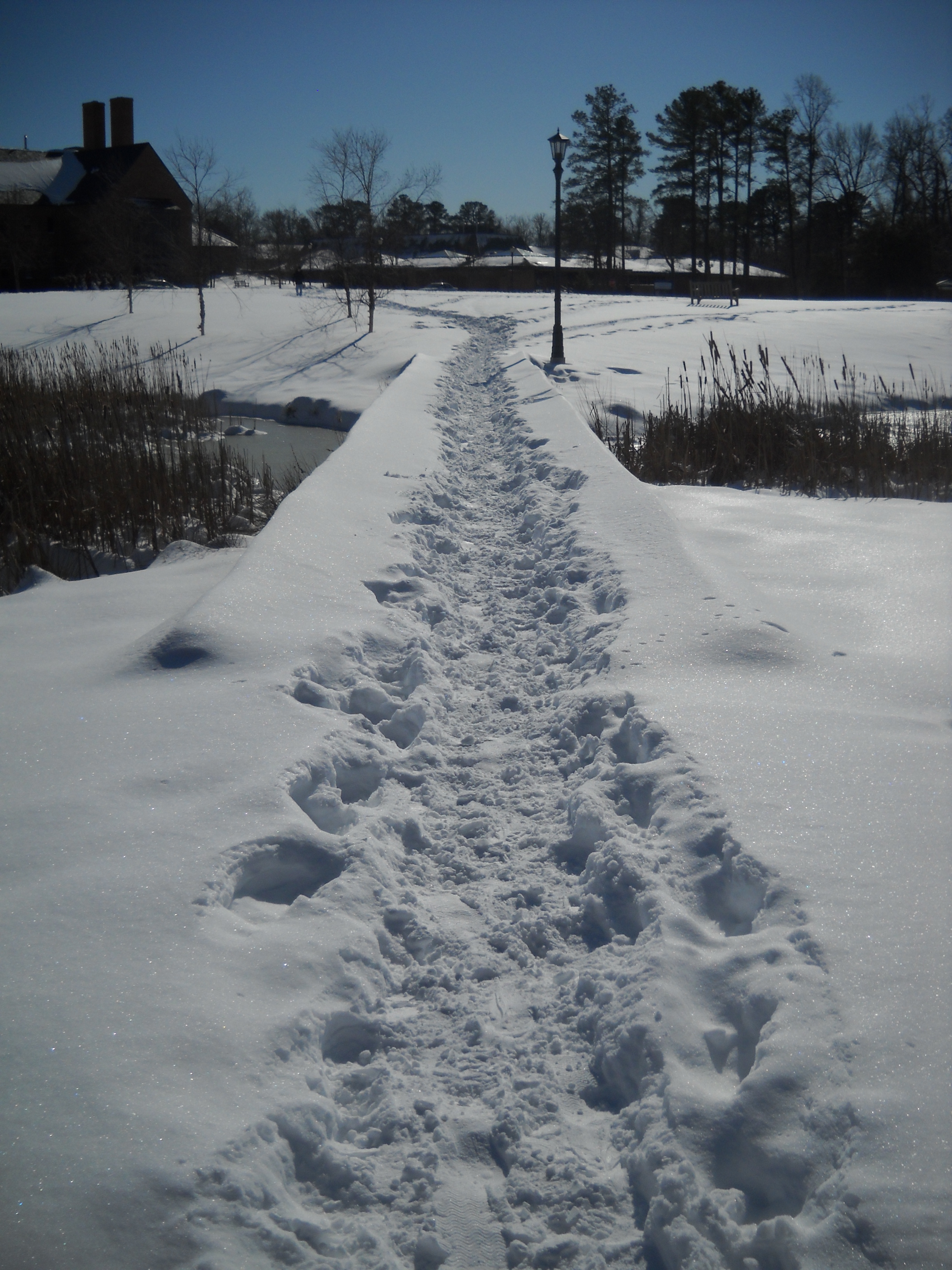
I visited my undergrad college this weekend in southern Maryland. They got about two feet of snow. I was basically snowed in on Saturday, so I went around campus taking pictures. St. Mary’s College is super-beautiful in general, but when it snows, it’s nothing short of gorgeous. This is a small foot bridge over a pond connecting the townhouses to Admissions Field. This picture made me think of balance because of the composition of the photo and the nature of the bridge.








 Judy Sellner